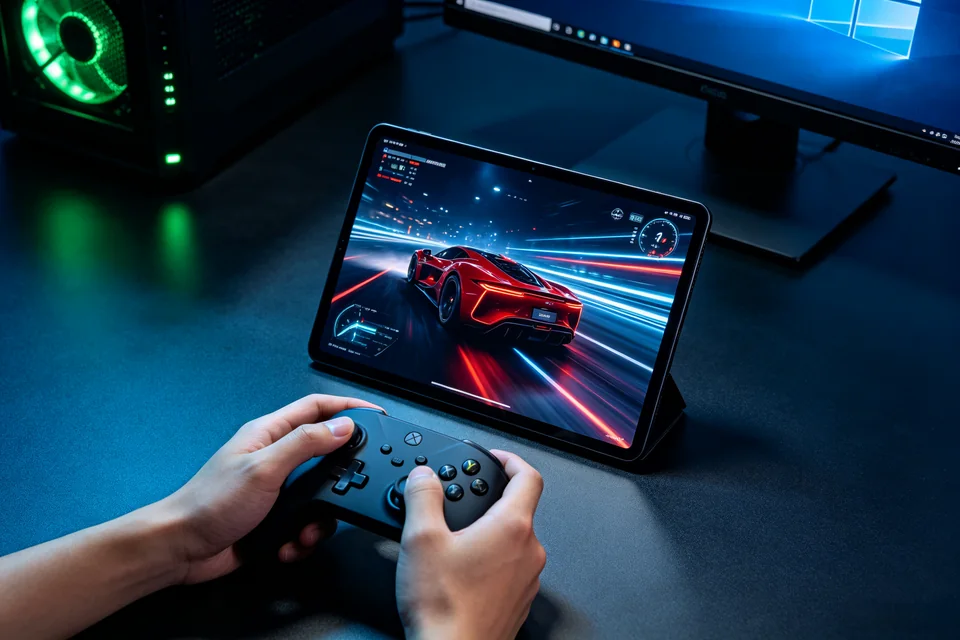
Racing game on a television, tablet, and controller in a dark room

GAME STREAMING

Moonlight goes black after the host sleeps?

Wake the Windows host, confirm the display and encoder state, then verify picture, sound, and controller on one client.

  • One Windows host and one client
  • Wake, display, and encoder checked
  • Picture, sound, and controller verified

THE THREE FAILURES WE SEE

What is going wrong?

01

Black screen after wake

Moonlight connects, but the client shows a black frame after the host sleeps or the monitor turns off.

02

Video returns without audio

The desktop appears, but game audio stays on the host or disappears from the client.

03

Controller input is missing

The stream works, but the client controller does not reach the game.

HOW WE TEST
Find the failing layer, then prove the fix.

  1. Wake the host first. Send a wake packet or wake the PC manually, wait for Windows to finish resume, then connect. A streaming client is not a reliable wake controller.
  2. Check the display and encoder. Confirm the host has an active display and Sunshine is running. Look for encoder errors after resume, not only at launch.
  3. Set a virtual display if needed. If the physical monitor sleeps, use a persistent virtual display or prevent the display from powering off during streaming.
  4. Test one client end to end. Verify video, audio, and controller in the same session, then disconnect and reconnect once.
A Windows gaming PC with Sunshine and a Moonlight client showing stream settings
The client must show picture, sound, and controller input after the host wakes.

SERVICE SCOPE

What is included

Included

  • One Windows host and one Moonlight client
  • Wake and display-state diagnosis
  • Encoder and audio check
  • Controller and reconnect verification

Not included

  • Installing a new GPU
  • Repairing Windows sleep disorders
  • Guaranteeing every game or client
  • Network cabling in another building

The session covers one agreed device and one verified path. Anything outside the written scope is quoted separately before work starts.

FAQ

Before you book

Why does it work before sleep but not after?

Windows may resume with no active display, or Sunshine's encoder may not recover. The host state after wake is the first check.

Should I disable sleep entirely?

It can be a temporary test, not the only fix. We identify whether the failure is wake, display, encoder, or client.

Can you fix my Wi-Fi?

We check the local host/client path and recommend a wired connection where possible. Router or ISP changes are outside this session.

NEXT STEP

Tell us what is happening.

Send the device, software, exact symptom, and what you have already tried. We will confirm scope and a fixed quote before booking.

No passwords. A real reply comes from hello@handytasklab.com.

FROM THE BLOG

Sunshine Moonlight Setup Guides

All guides